
Vendispace product and features
White-label in B2B: a store under your brand, not someone else's
White-label in B2B is a store in which the platform disappears behind your brand: the customer logs in at your address, sees your logo and colours and gets emails from you — not from the software vendor. It matters because a B2B customer orders regularly and trusts a specific company, and an unfamiliar brand in the middle of ordering blurs that relationship. Below: what exactly can carry your brand, what white-label doesn't change and how it fits together with a closed catalog.
What white-label is in practice
White-label means that the platform you use disappears behind your brand. The customer sees your logo, your colours, your login address and an interface in their own language. They don't know (and don't need to know) what software is underneath — to them it's simply "the supplier's store."
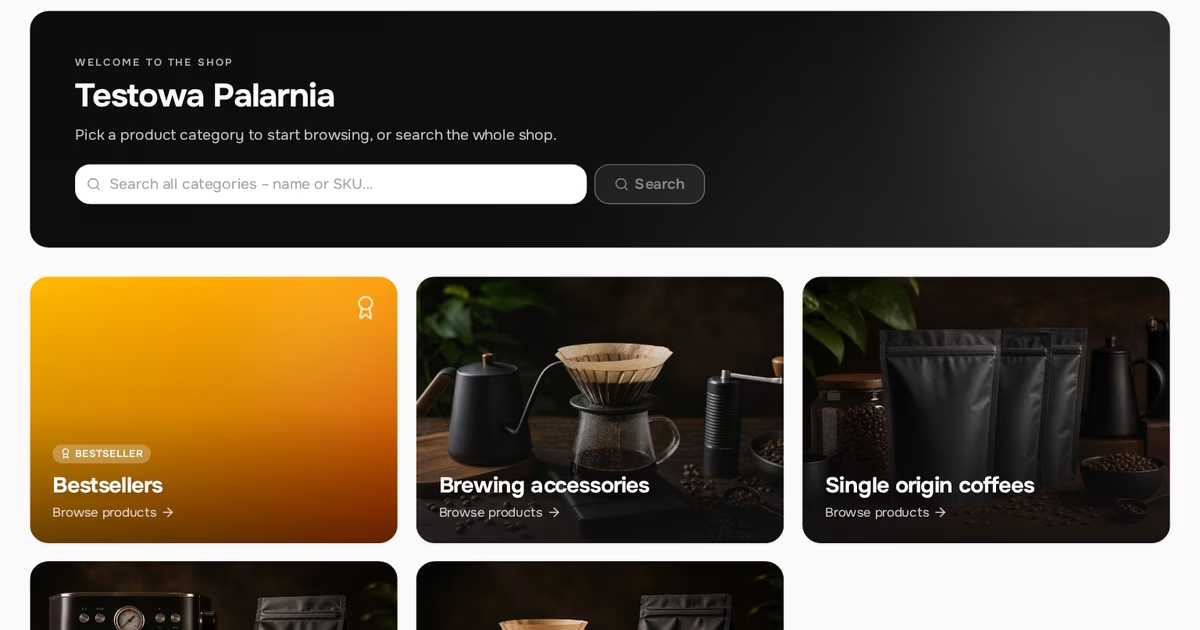
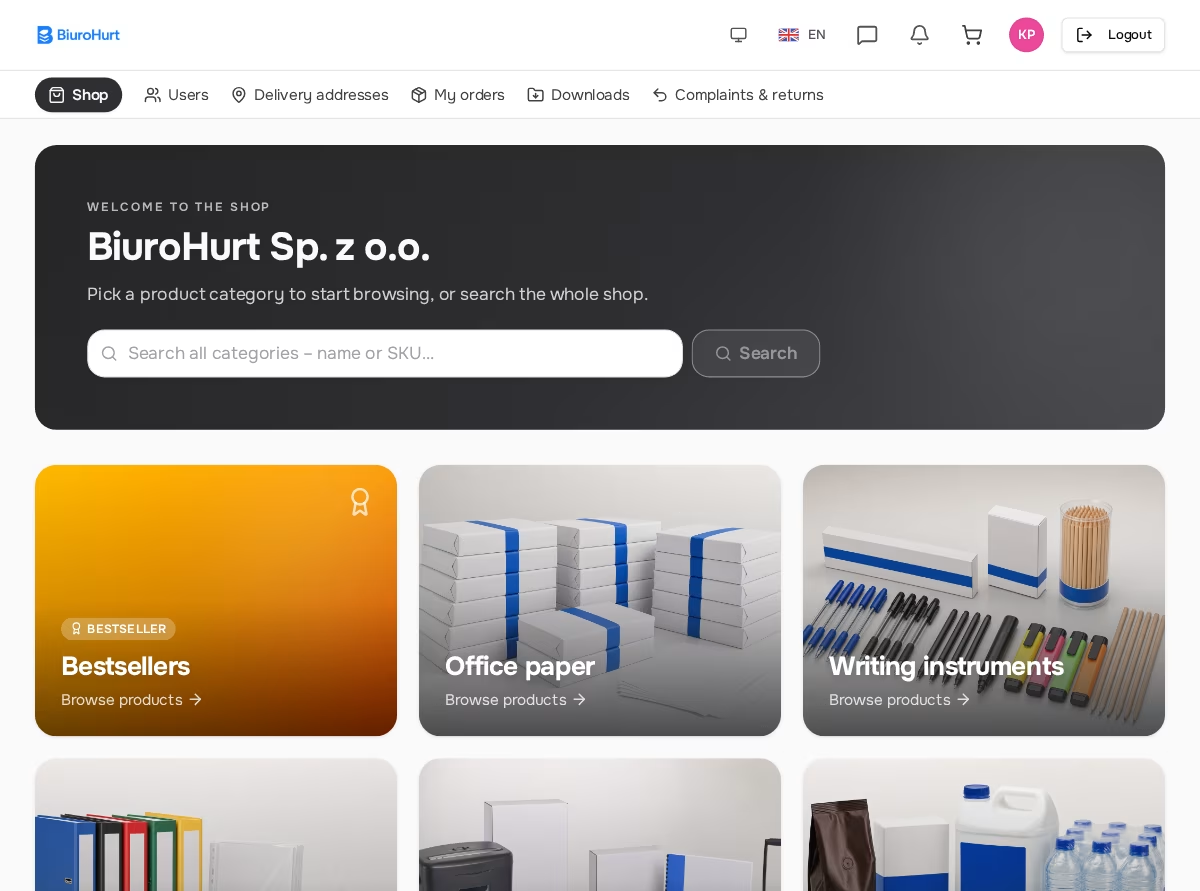
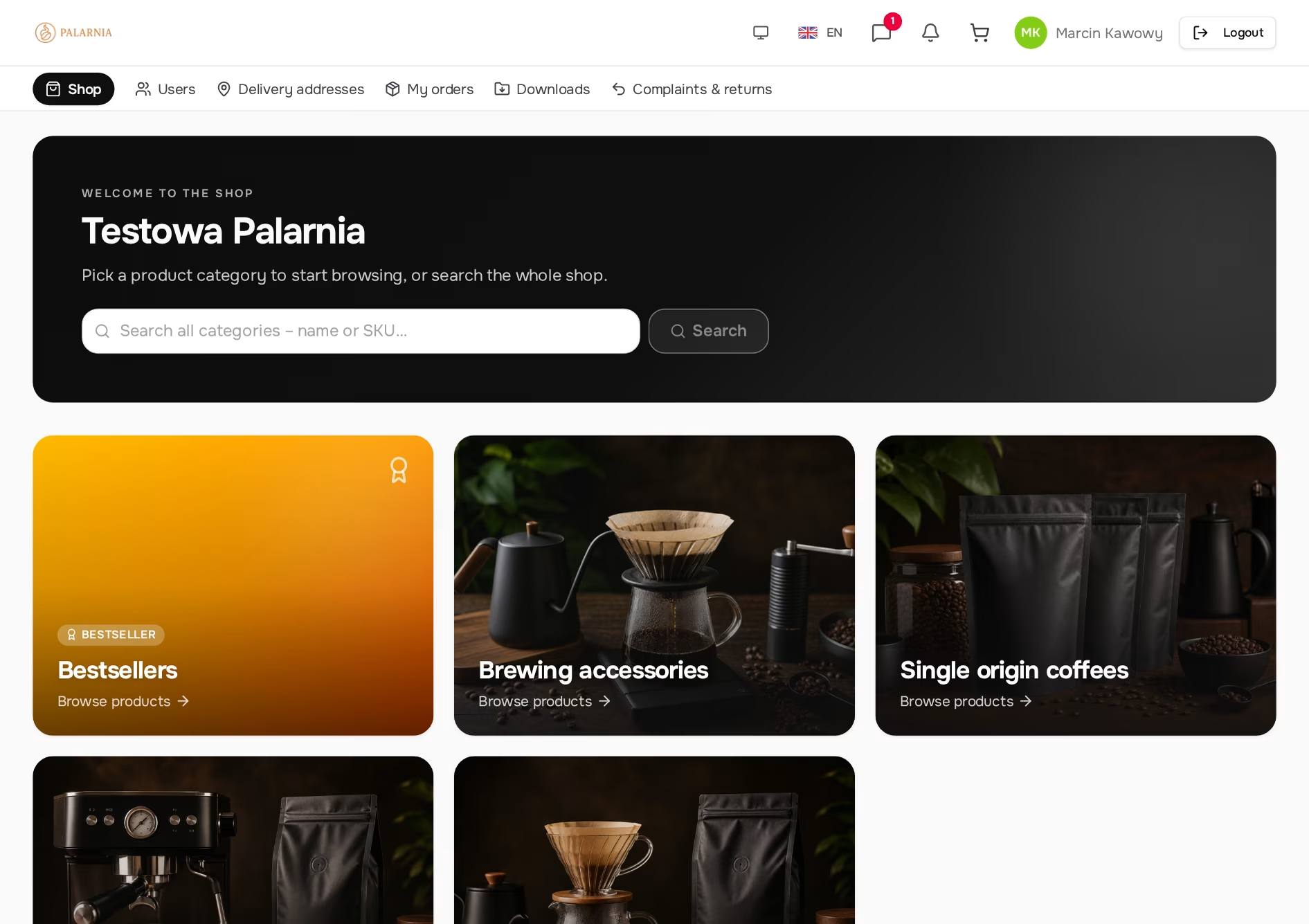
The same system serves many companies at once, yet each of them looks different to its own customers. Below are two stores on the same platform.
Why the brand in your store matters in B2B
1. Trust and brand consistency
A regular B2B customer buys from you because they trust you. If, in the middle of ordering, they run into an unfamiliar brand, that consistency breaks. The question arises of who is actually handling the order and to whom the customer is giving their company's details. Your own logo and login address keep the impression that they're with you the whole time.
2. A professional image
A store under your brand looks like your investment in customer service, not like a "bolted-on tool." For a smaller company, it's a way to look serious without building your own system from scratch.
3. The customer's language
If you sell abroad, a store interface in the customer's language removes a real barrier. An English- or Ukrainian-speaking customer doesn't have to guess what the buttons mean or ask a sales rep for help with every order.
In B2B, a brand isn't a logo on the homepage. It's a consistent impression at every step — including when the customer logs in at 22:00 to place an order.
What carries your brand in vendispace
White-label isn't a single switch but several places where the customer comes into contact with the system. Each of them has to be checked separately for whose brand the customer sees.
| Element | What the customer sees | Where you set it |
|---|---|---|
| Logo and colours | your logo in the store, main colour and accent on buttons | Settings → Branding |
| Store address | yourcompany.vendispace.app or your own domain | the subdomain yourself in Settings; a custom domain by individual arrangement |
| Login and registration | a screen with your logo on a background in your colour | works automatically once logo and colours are set |
| System emails | your logo and colour in the header; sender from your domain once SMTP is connected | Settings → Email notifications |
| Invoices | an invoice issued from your own accounting account, PDF to download with the order | integration with inFakt or Fakturownia |
| Interface language | Polish, English or Ukrainian | Settings → System languages |
Store address: subdomain and custom domain
Every company gets its own address in the form yourcompany.vendispace.app, regardless of plan. You choose the name part yourself in the settings. Only your store lives at that address: the login screen shows your brand straight away, and anyone who isn't part of your company or one of your customers can't log in there at all.
The address also matters in practice. The system builds customers' personal registration links and the links in emails from your company's address, so from the very first click the customer is "with you", not on the platform's site. A custom domain, such as shop.yourcompany.com, is connected for selected companies by individual arrangement. The platform's name then disappears from the address bar as well.
Emails under your brand: your own mail server
Every system email — account activation, status changes, notifications — has your logo or company name and your colour in the header. The sender address, however, depends on whether you connect your own mail server (SMTP).
SMTP is the server that physically sends mail from your domain. Without it, emails go out from the system's server. With it, they go out from your address, for example orders@yourcompany.com, by the same route as your regular correspondence. This isn't cosmetic: an email with a sender from your domain but sent through someone else's server fails SPF and DKIM checks and lands in spam. That's why the system changes the sender only when it sends through your server. There's a test-send button in the settings, so you can check the configuration before a customer sees it.
Your own SMTP is also required for sending email newsletters to customers. Transactional emails work without it; newsletters don't.
What white-label doesn't change
White-label changes whose brand the customer sees, not how the store works. Know these limits before you promise customers anything.
- The store layout is shared. You set a logo and two colours; you don't design your own page template. As a result, every system improvement reaches you immediately, with no reworking of the design.
- Light or dark theme is the user's choice. It's a setting of the person using the store, not of the company. Login and registration screens are always light, because company branding is designed for a light background.
- The interface is translated, not your catalog. Buttons and messages are ready in three languages. Product and category names and descriptions are entered separately for each language you enable.
White-label and the closed catalog
White-label works best together with the invitation model. The customer receives a personal link from you, opens a registration page with your logo and their company's name, and after logging in sees their own net price list. From first contact to first order there isn't a single screen suggesting they're dealing with anyone but you.
Both elements reinforce the same message: this is your store for your customers. We've described why a closed catalog sells better in the article on the invitation-only B2B store, and how to send the first links in the piece on how to invite your first customers to a B2B store.
Summary
White-label is several points of contact, not just a logo: store address, login screen, emails, invoices and language. You can set the logo, colours, subdomain and languages yourself in a few minutes. A sender from your own domain requires your own SMTP server, and a custom domain is arranged individually. You can match the store's look to your brand, but not its layout or behaviour — and that is exactly what lets you use a ready-made system instead of building your own.
Frequently asked questions
Will the customer see the vendispace name anywhere?
In the store, on the login screen and in emails the customer sees your name and logo. The platform's name remains in the address if you use the yourcompany.vendispace.app subdomain. A custom domain removes it from there too.
Does white-label cost extra?
No. Appearance customisation, multiple languages and your own subdomain address are available on every plan, including the free one. Plans differ in their order limit, number of users, file storage and type of support.
Does changing the logo or colour require a new rollout?
No. You upload the logo and pick the colours in your company settings, and the change is visible immediately. There's nothing to publish and no need to wait for us.
Can I set a dark theme for all customers?
No. The theme is each user's own setting and by default follows their operating system. You decide on the logo and colours, and the customer decides whether they prefer to work on a light or dark background.
Will the catalog translate itself when I enable English?
No. Enabling a language translates the store interface, while product, category and variant names and descriptions are entered for each language separately. The product form has a language switcher on every tab for this.
Will customers' old links stop working after I move to my own address?
No. Login links in the form of the platform address with your company's name in the path keep working, because customers have them saved. New links in emails and invitations are built from your current address.
A brand is also the tools your competitors don't have: we show how industry modules sit in your store's navigation in the article on dedicated tools in B2B, and how price lists and product sheets are shared under your brand in the piece on downloadable materials for B2B customers. You can see what a store under a roastery's brand looks like on the page for coffee roasters. Create a free account and see your store under your own brand.
Read also
Integrations in B2B: invoices, payments and shipping on one order
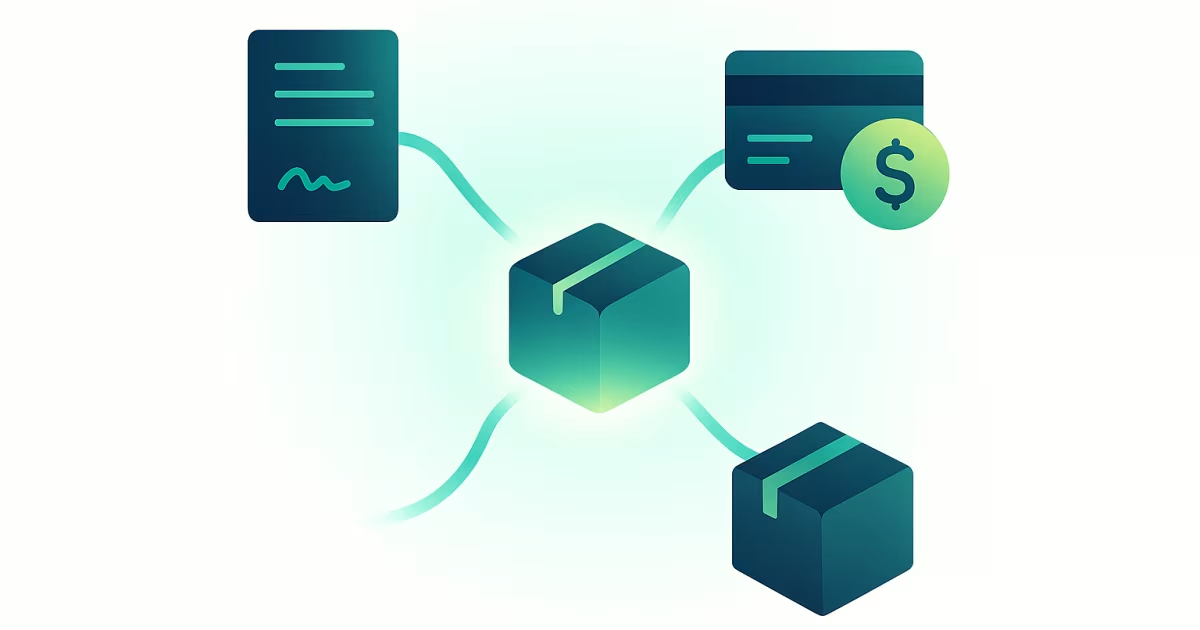
Integrations in B2B: an inFakt or Fakturownia invoice, a gateway payment and an InPost or Apaczka shipment from one order. What works and where to start.
Read article
How to invite your first customers to an invitation-only B2B store
How to invite your first customers to a B2B store: add the company by tax ID, send a personal link to the buyer, start with one customer. Steps, pitfalls, FAQ.
Read article
Individual price lists in B2B: per-customer pricing without spreadsheets
Individual price lists in B2B without spreadsheets: price groups, customer group rules, product prices, a clear order of precedence and a customer price view.
Read articleStart selling B2B under your own brand.
Free FreeSpace account: add a product, invite a customer, take your first order. No card, no commitment.
Create a free accountHave a question? Write to us.