
Vendispace product and features
How to invite your first customers to an invitation-only B2B store
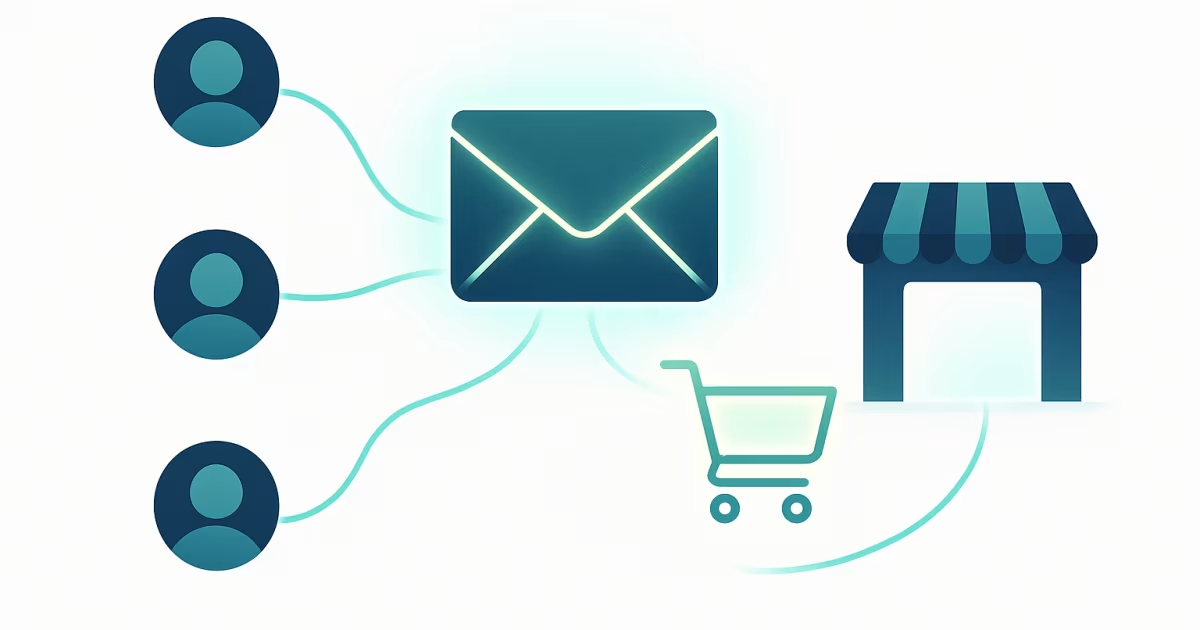
You invite your first customers to an invitation-only B2B store with a personal link: you add the customer's company by its tax number (NIP), copy its registration link and send it to the person who places orders on the customer's side. Start with one regular customer, take them all the way to their first order, and only then invite the rest of your base, in batches. Below you'll find the steps, who to invite first and what to say so the customer doesn't put it off with "I'll do it later."
Why an invitation-only store starts differently from an open one
An invitation-only B2B store is a store where the catalog and prices are visible only to customers you have given access to yourself. Nobody finds it through a search engine and nobody creates an account in it by accident. Until you invite the first company, the store is empty.
That isn't a flaw, it's the point of the model: every customer sees their own net prices, and you don't answer enquiries from companies you don't want to trade with. What changes is the start. With an open store you wait for traffic. With a closed one you move customers who already buy from you — by phone, by email or from a spreadsheet — into the panel. Your first orders won't come from advertising but from your existing customer base.
Start with one customer, not your whole base
The most common mistake is trying to invite everyone at once. If something in the setup is off — a wrong price, a missing product, an unclear payment term — you'll hear about it from twenty customers at the same time.
Pick one regular customer who orders from you routinely and whom you trust. Ideally someone who orders often and within a similar range, because they'll quickly notice if something is missing from the catalog. With them you walk the whole path: invitation, account, first order, invoice. Only when it works without your help over the phone do you move on to the rest.
What to set up before you send the first link
A customer judges the store by their first login. If they see prices they never agreed with you, they'll call — and they'll be right. Check three things before you send the link.
- Commercial terms. You set the customer group, discount and payment term on the customer's record. An empty field means the customer inherits the value from their group, and the group from your company settings. We've described how to set prices per customer without spreadsheets in the article on individual price lists.
- Price list preview. In the panel you can see the price list through a specific customer's eyes: the catalog price next to their price and where that price comes from. It's the quickest way to catch a mistake before the customer does.
- Email sender. After registering, the customer receives an activation email with your logo. If you connect your own mail server (SMTP) in the settings, the email goes out from your address. Without it, the system's server sends it.
What an invitation looks like, step by step
The whole process takes a few minutes on your side and a few on the customer's. The system doesn't send the invitation by itself. You copy the personal link from the customer list or the customer's record and send it the way you usually talk to that customer: by email, text message or messenger.
- You add the customer by NIP. The name, REGON number and address are pulled from the Polish GUS register, so you don't retype them. A foreign company or a private individual is added with details entered by hand.
- You copy the personal registration link. Each customer has their own link, tied to their company. The link always leads to your store's address, not to the platform's.
- The customer opens the link. They see a registration page with your logo and colour and the name of their company they are creating the account for. They enter their first name, last name, email and password.
- The customer confirms their email address. The activation link is valid for 24 hours. Until the address is confirmed, login is blocked.
- The customer logs in and sees their catalog — net prices, availability and payment term set just for them.
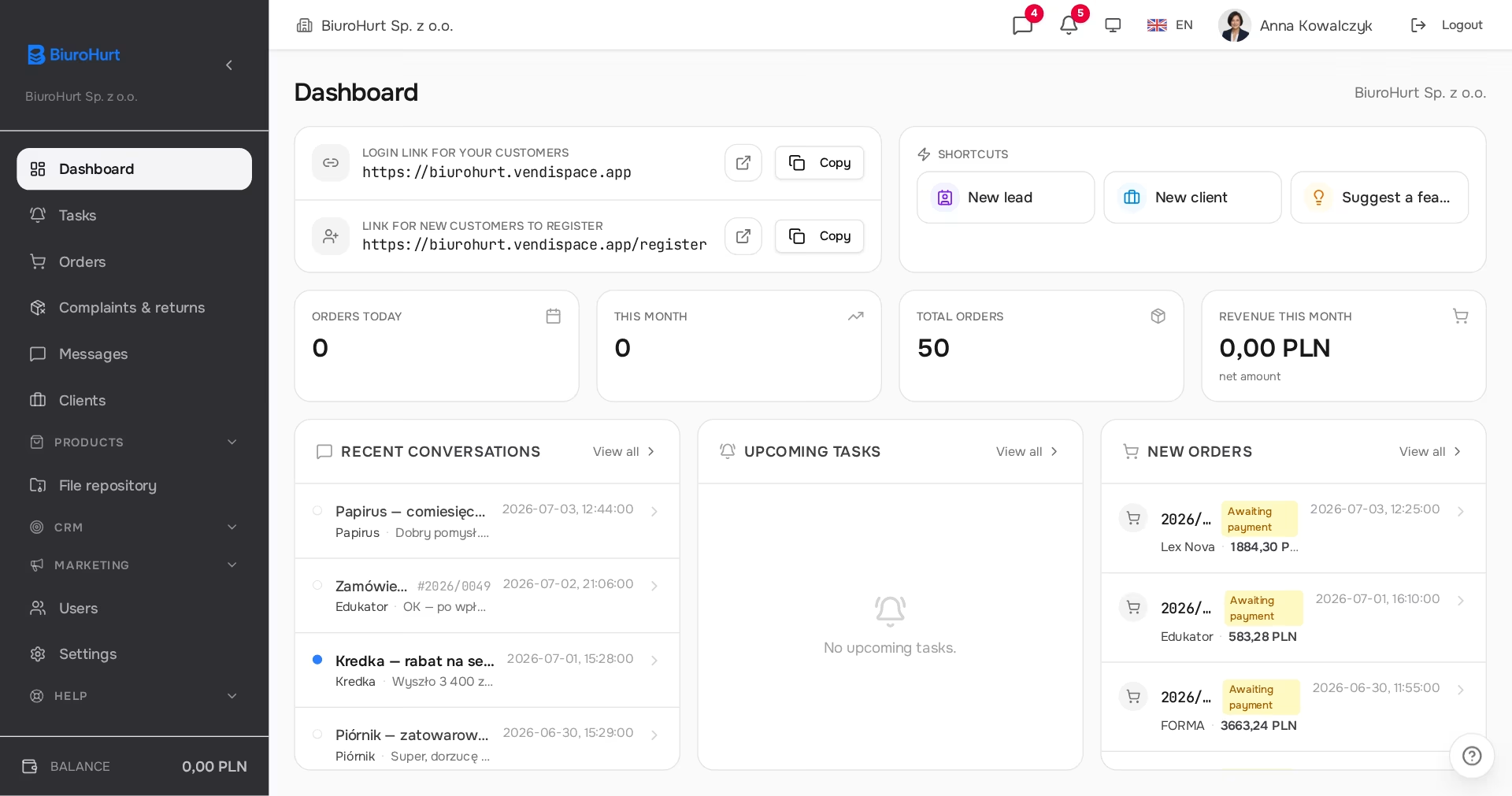
The entire barrier to entry is one link and a password. The customer doesn't "learn a new system" — they log in and see what they used to dictate over the phone.
Who at the customer's company should get the link first
Several people from the same company can use one personal link, but they don't get the same permissions. The first person to register becomes the customer's administrator: they place orders, add further colleagues and manage delivery addresses. Everyone who registers later with the same link gets a regular account, which by default lets them browse the store but not order until the customer's administrator grants that right.
The practical takeaway: send the link first to the person who makes purchasing decisions at the customer — the owner or the buyer, not a general office address. That person will invite the rest of their team and decide who may place orders.
Personal link or registration form
Besides the personal link, your store has a public registration form under your address. You'll find the form's address on the dashboard, next to the login link. Both lead to a customer account, but they serve different purposes.
| Aspect | Personal link | Registration form |
|---|---|---|
| Who creates the customer's company | you, in the panel, before sending the link | the customer, by filling in the form |
| Company details | from GUS by NIP or entered by you | from GUS by NIP or entered by the customer |
| Approval | not needed — the account works once the email is confirmed | the application waits for your decision |
| Commercial terms | set before the customer's first login | assigned on approval: group, account manager, discount, payment term |
| When to use it | existing customers with agreed prices | new companies that find you on their own |
Use personal links to start with. The form becomes useful later, when companies outside your base start hearing about the store. If you don't need it, you can switch it off in your company settings — the login page then stops showing the registration link.
What to tell the customer so they don't put it off
Don't sell "a system." Sell the convenience for them:
- "You'll see your net prices and availability without calling."
- "You'll order at any time, not just when I pick up the phone."
- "Order history and invoices in one place."
The best moment to send the link is when the customer wants to order something anyway. Instead of taking the order over the phone, ask them to place it in the panel and stay on the line in case anything is unclear. A first order placed with your help sticks better than an email with instructions.
A customer doesn't switch to the panel because you want them to. They switch because it's more convenient for them. An invitation that emphasizes this converts best.
What to avoid with the first invitations
- Switching off phone and email overnight. The customer gets used to the panel at their own pace. The chat on the order stays, so contact is as it was, just organised, and from the very first order you have it in the panel with a number and a status.
- Sending the link to a general company address. Someone random will open it and become the customer's administrator.
- Deactivating a customer "for a moment". The registration link of an inactive customer doesn't work, and their users can't log in. If a customer is having trouble, it's better to sort it out than to switch them off.
- Inviting before checking prices. A first impression with a wrong price costs more trust than a week's delay.
How to invite the rest of your base
Once the first customer has ordered on their own, invite the others in batches, for example by customer group or by account manager. Each account manager invites their own customers, because that's who the customer talks to and trusts. A batch that one sales rep can handle in a week leaves time to answer questions and fix the catalog.
If you have many customers and your data is scattered across spreadsheets, you don't have to enter it yourself. On paid plans, onboarding includes entering customer data, categories and products from the files you send us; details and current terms are on the pricing page.
Summary
- You invite a customer with the personal link from their record; the system doesn't send the invitation for you.
- First one regular customer and one complete order, only then the rest of the base in batches.
- Before sending the link, check in the price list preview which prices the customer will see.
- The link goes first to the person who decides on purchases, because the first person to register becomes the customer's administrator.
- The registration form with approval is for new companies, not existing customers.
Frequently asked questions
The customer says they didn't get the activation email. What should I do?
Ask them to check their spam folder first, because email from an unfamiliar server easily ends up there. On the page shown after registration they can request the activation email again, and the link in it is valid for 24 hours. If the problem keeps coming back, connect your own SMTP mail server in the settings so emails come from an address the customer knows.
Does the personal registration link expire?
It has no expiry date. It works as long as the customer is active in your company, so you can resend it after a few weeks. It stops working when you deactivate the customer.
Does the customer pay for the account or have to install anything?
No. The selling company pays for the system, and its customers use their accounts free of charge. The store runs in the browser, on a computer and on a phone.
How do I invite a customer from abroad or a company without a Polish NIP?
You add them as a foreign company with an EU VAT number or as a private individual, and enter the details by hand, because GUS only knows Polish companies. From there everything works the same: personal link, registration, activation. The store interface is available in Polish, English and Ukrainian.
Can the customer's administrator add colleagues themselves?
Yes. In the store panel they create accounts for other people from their company, assign roles and decide who may place orders. That way you don't have to step in every time the customer's staff changes.
How many customers can I invite on the free plan?
The number of customers and products isn't limited on any plan. On the free FreeSpace plan, what's limited is the number of orders — 10 a month — and the number of your own team's users in the panel. Customer accounts and their employees don't count towards that limit.
Why a closed catalog sells better than an open one is explained in the article on the invitation-only B2B store, and how the store looks to the customer under your logo and address is covered in the piece on white-label in B2B. If your first customer asks about paying by transfer with a term, read how deferred payments work without hurting your cash flow. Create a free account and send your first invitation today.
Read also
Integrations in B2B: invoices, payments and shipping on one order
Integrations in B2B: an inFakt or Fakturownia invoice, a gateway payment and an InPost or Apaczka shipment from one order. What works and where to start.
Read article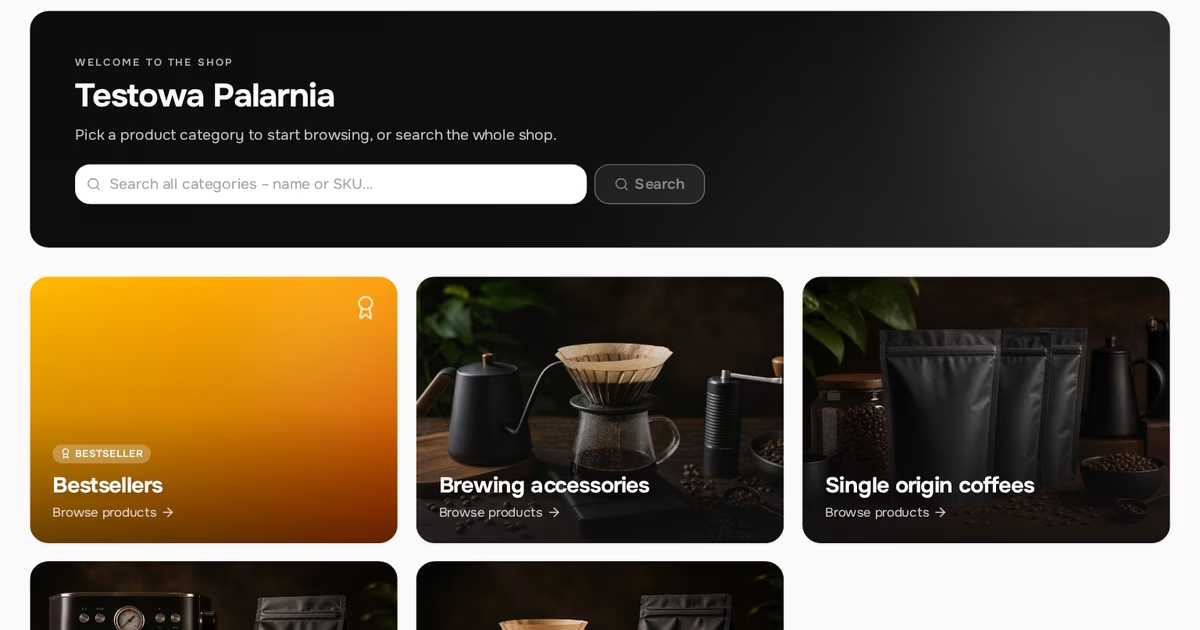
White-label in B2B: a store under your brand, not someone else's
White-label in B2B: a store under your own brand. What customers see in the store, in emails and on invoices, why your own SMTP matters and what doesn’t change.
Read article
Individual price lists in B2B: per-customer pricing without spreadsheets
Individual price lists in B2B without spreadsheets: price groups, customer group rules, product prices, a clear order of precedence and a customer price view.
Read articleStart selling B2B under your own brand.
Free FreeSpace account: add a product, invite a customer, take your first order. No card, no commitment.
Create a free accountHave a question? Write to us.