
Vendispace product and features
Integrations in B2B: invoices, payments and shipping on one order
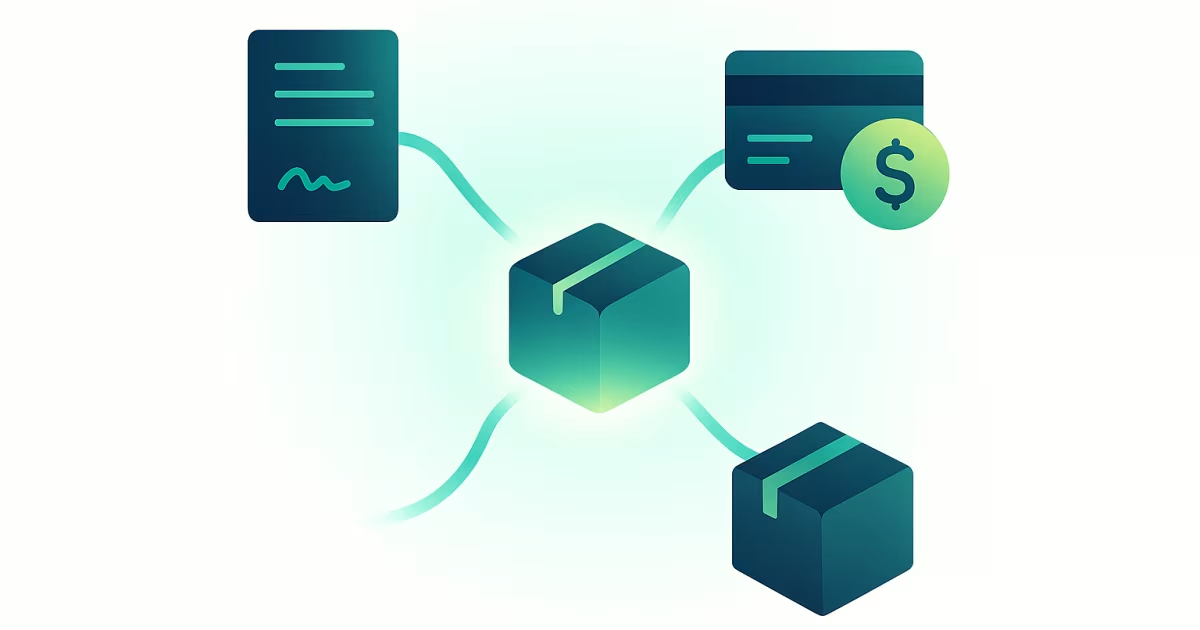
Integration in B2B means the invoice, the payment and the shipment are all created from the data of a single order, not from data retyped by hand into three separate programs. Most companies already have an accountant, a courier and a payment gateway, so what they lack is not tools but the connection between them. Below we describe exactly what flows between the shop and inFakt, Fakturownia, payment gateways and couriers, where those connections stop, and which one to start with.
What it costs to handle an order in four windows
Without integration, one order passes through someone's hands several times. A sales rep retypes the NIP (Polish tax ID) and the line items into the accounting program, someone checks the bank statement to see whether the transfer arrived, and the warehouse copies the address into the courier's panel. Each of those retypings takes a few minutes and is a chance to make a mistake: a typo in the NIP produces a wrong invoice, a wrong amount needs a correction, and a swapped postcode comes back as a returned parcel.
The cost grows in step with the number of orders, and the mistakes surface late, usually during a complaint or when reconciling balances. At a few orders a day it is a nuisance. At a few dozen it is a full-time job that sells nothing.
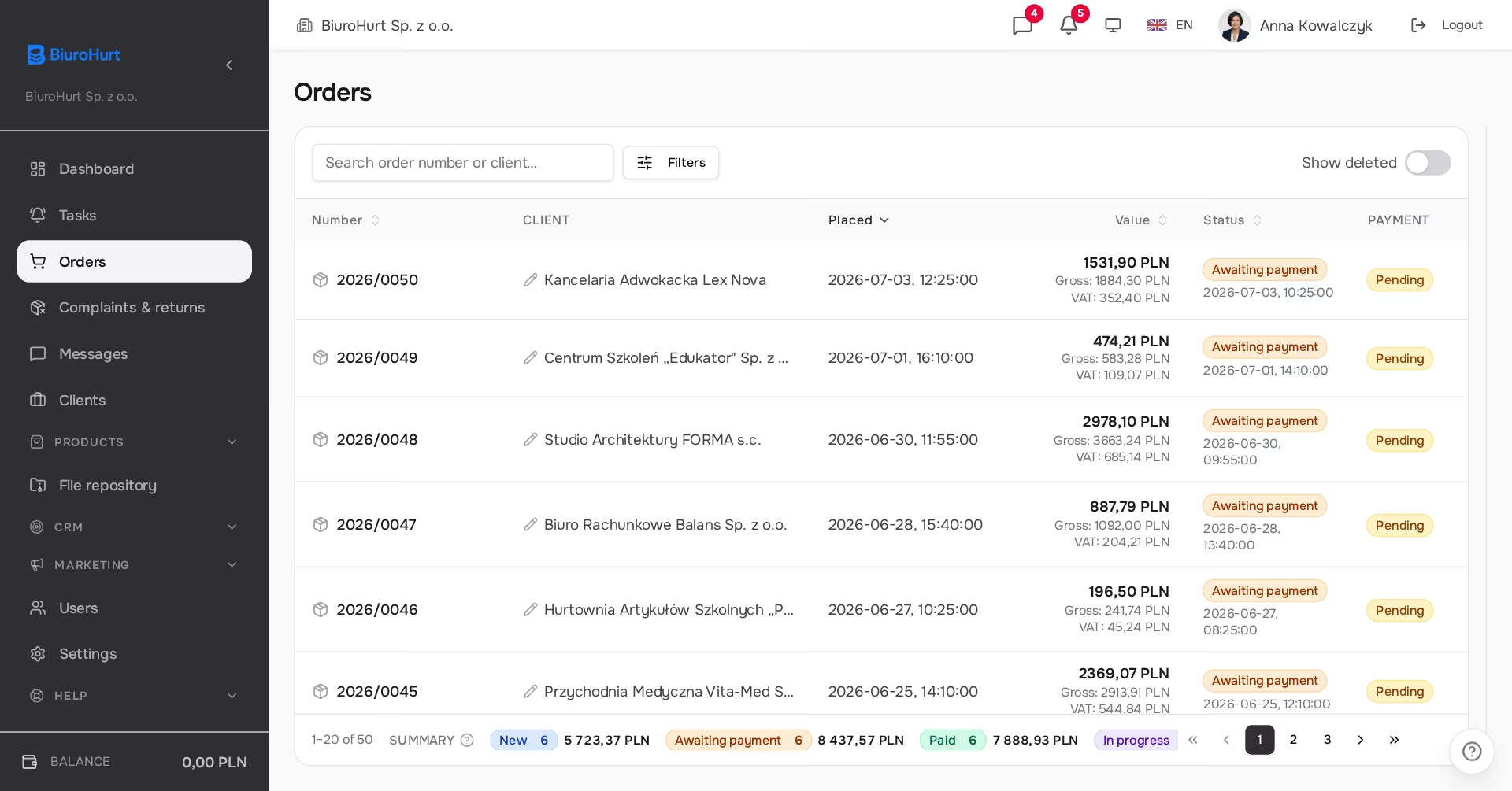
An integration is an API connection in which one system passes data to another on its own, without a person in between. In B2B sales that first system should be the order, because that is where the customer provides, once, everything the others need: company details, line items, net amounts, the delivery address and the payment method.
Don't replace — connect
A good approach to integration isn't about replacing your tools with yet another "all-in-one" program. It's about connecting what you already use. You stick with your accounting program and your courier, because that is where your history, contracts and working settings are. The only thing that changes is that they stop being separate islands.
There is a practical side to it too: your accountant keeps working in the program they know, and the courier contract and its rates stay yours. The shop simply sends them the data at the moment the order is ready.
Four integrations on one order
Invoices: inFakt and Fakturownia
The invoice is created from the order data through your inFakt or Fakturownia account. You can set the order status at which it is issued automatically (for example once paid or once shipped), or issue it with a button on the order screen. The invoice carries the same lines as the order, together with additional services and the delivery cost, in net prices and with the correct VAT rates.
The counterparty is looked up by NIP in the accounting program and, if it isn't there, created from the customer data fetched earlier from GUS, the Polish business register. A customer without a NIP doesn't get a new counterparty with every order, because the system reuses the one from their previous order. The invoice PDF is saved with the order and the customer downloads it from the shop themselves. If you have KSeF submission switched on, the invoice goes there through the accounting program and you see the KSeF number on the order in the admin panel. What mandatory KSeF changes is covered in KSeF 2026 in B2B sales.
Payments: online gateway and payment terms
The customer can pay straight away through Przelewy24, PayU, TPay or PayNow. You can have several gateways active at once, and each appears in the shop as a separate payment method. The confirmation comes from the gateway automatically and marks the order as paid, so nobody has to check the bank statement. If the invoice is set to be issued on payment, it is issued at that same moment and already marked as paid.
The second option is a bank transfer with payment terms. You set the term as a company-wide default (14 days if you set nothing), separately for a customer group and separately for an individual customer, anywhere from 1 to 365 days. The most specific setting wins. How to sell on terms without financing your customers out of your own cash is covered in the article on deferred payments without losing liquidity.
Shipping: InPost and Apaczka
The shipment is created in the panel from the order address, without retyping it into the courier's panel. InPost covers parcel lockers and courier delivery; for a locker, the customer picks the point on a map while placing the order. Apaczka is a broker that gives you access to many carriers through one account: DPD, DHL, UPS, InPost, Poczta Polska and pallet shipments, which matters in wholesale.
From the order screen you generate the label and book the pickup, and shipment statuses refresh on their own every 10 minutes. A status change, such as delivery, appears as a notification in the panel. The tracking link you enter when switching the order to "shipped" reaches the customer by email and is visible on the order in the shop.
Email: IMAP, Google and Microsoft
You connect the team's inboxes (any IMAP server, Gmail and Google Workspace, or Microsoft 365), and correspondence with a customer from every sales rep is gathered on their record in the CRM. The system fetches new messages every 5 minutes; on first connection it goes back 14 days. A new rep sees the full context of the conversations, and emails don't get lost in private inboxes.
Integration isn't about having "more features." It's about data entered once — at the order — not having to be entered a second and third time somewhere else.
One order before and after integration
The difference is easiest to see when you walk one order through step by step.
| Step | Without integration | With integration |
|---|---|---|
| customer data | retyped from an email into the accounting program | fetched from GUS by NIP when the customer registers |
| invoice | issued by hand, line by line | created from the order at a chosen status or with one button |
| KSeF | a separate submission from the accounting program | through the accounting program, KSeF number shown on the order |
| payment | checking the statement and marking it by hand | the gateway confirmation marks the order as paid |
| shipping | address copied into the courier's panel | shipment and label created from the order address |
| correspondence | in the inbox of whichever rep handled it | on the customer record, visible to the team |
The biggest gain is not in any single step but in all of them describing the same document. The invoice has exactly the lines the customer paid for, and the parcel goes to the address the customer chose.
What integrations don't do
- They don't replace your accounting program. The invoice is created in inFakt or Fakturownia and stays there, along with the records and corrections. Only one accounting provider can be active at a time; switching on a second one switches off the first.
- They don't handle cash on delivery. COD was deliberately left out of Apaczka, because in B2B sales settlement goes through an invoice and a transfer or a gateway.
- They don't send email from your inbox. The mail connection is read-only: the system sends nothing from a connected inbox and doesn't change its contents.
- They don't remove providers' fees. The courier, the payment gateway and the accounting program still bill you under their own contracts.
Where to start
You don't have to connect everything at once. A sensible order follows from where manual work costs the most:
- Invoices. Usually the biggest manual job and the only one with tax consequences. After connecting inFakt or Fakturownia, start by issuing with the button, and switch on automatic issuing at a status once you've checked a few invoices.
- Payments. An online gateway removes statement checking, and a set payment term brings order to customers who buy on transfer.
- Shipping. Pays off from a few parcels a day; with pallet shipments from the first one, because Apaczka puts them next to parcels in one panel.
- Email. Most useful when more than one person handles a customer.
You configure accounting, gateway and courier integrations yourself in the company settings, on the Integrations tab, where each connection has a button to test the credentials; mailboxes are connected in the email settings or in your profile. You can also have it done during onboarding by handing over access to the accounts.
Summary
- Integration in B2B means the invoice, payment and shipment are created from the order data, not from manual retyping.
- You keep your inFakt or Fakturownia, your gateway and your courier; only the data flow between them changes.
- The real value comes from connecting every step, because then the invoice, the payment and the parcel describe the same order.
- Start with invoices, then add payments and shipping; each integration can be switched on separately.
Frequently asked questions
Do I have to change my accounting program?
No, if you use inFakt or Fakturownia, because those are the programs the accounting integration works with today. With a different program, orders and payments still work in the shop, but you issue the invoice outside it. Either way, the records stay where your accountant keeps them.
What happens if an invoice fails to issue automatically?
The order gets an invoice error status and a retry button appears on its screen. Invoices that got stuck while being created are finished by the system itself in a cycle every 10 minutes, together with a KSeF status check. Nothing disappears silently, because the invoice state is visible on every order.
Can I have several payment gateways at the same time?
Yes. Each active gateway appears in the shop as a separate payment method, and you can give it your own name. This helps when some customers are used to a particular operator, or when you want to compare fees on real traffic.
Can the customer get the invoice without writing to a sales rep?
Yes. Once the invoice is issued, the customer sees its number and date on the order in the shop and downloads the PDF in one click. That answers the most common email from the customer's accounts department before anyone writes it.
Do integrations cost extra?
There is no separate fee for them in vendispace: every feature is in every plan, including the free FreeSpace, and plans differ by order limit, number of users and support. You do pay service providers under your own contracts, meaning the courier, the gateway operator and the accounting program subscription.
Does the CRM receive all of a sales rep's email, including private messages?
No. An activity on a record is created only from a message whose address matches a lead or a customer, either exactly or by company domain. Other emails don't land on any record, and when a customer's message comes in, their account manager gets a notification in the panel.
If you are only just sorting out your document flow, start with the article on preparing B2B sales for KSeF; why an invoice, payment and shipment on one order is also what makes industry tools pay off is explained in the article on dedicated tools in B2B. You can check what every plan includes on the pricing page. Create a free account and connect your first tool.
Read also
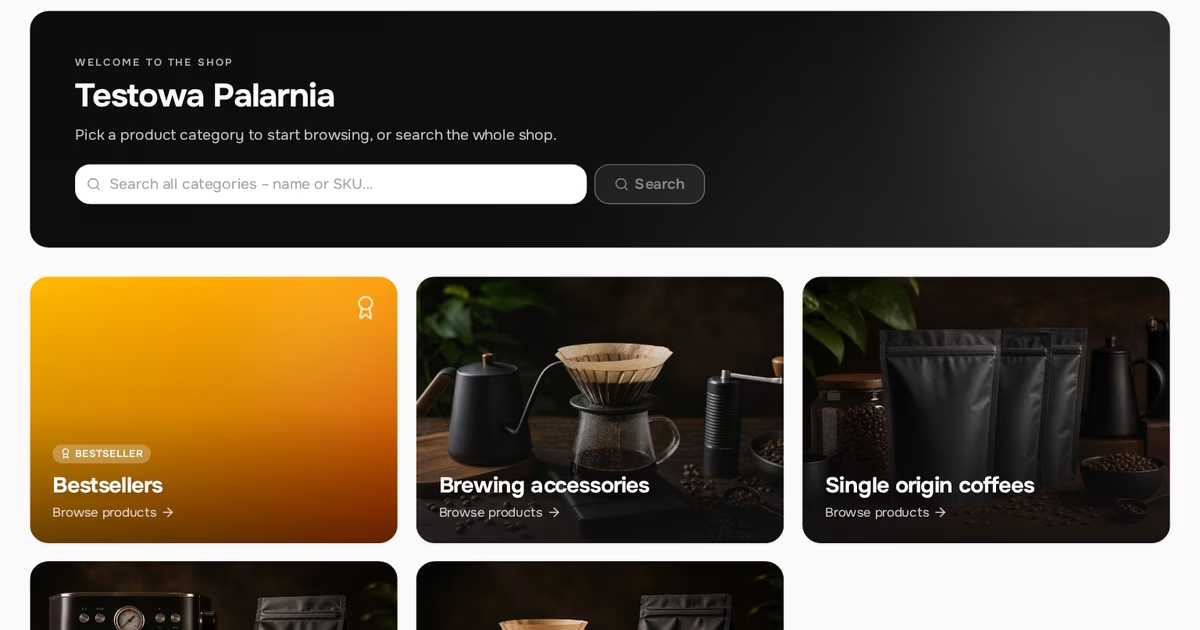
White-label in B2B: a store under your brand, not someone else's
White-label in B2B: a store under your own brand. What customers see in the store, in emails and on invoices, why your own SMTP matters and what doesn’t change.
Read article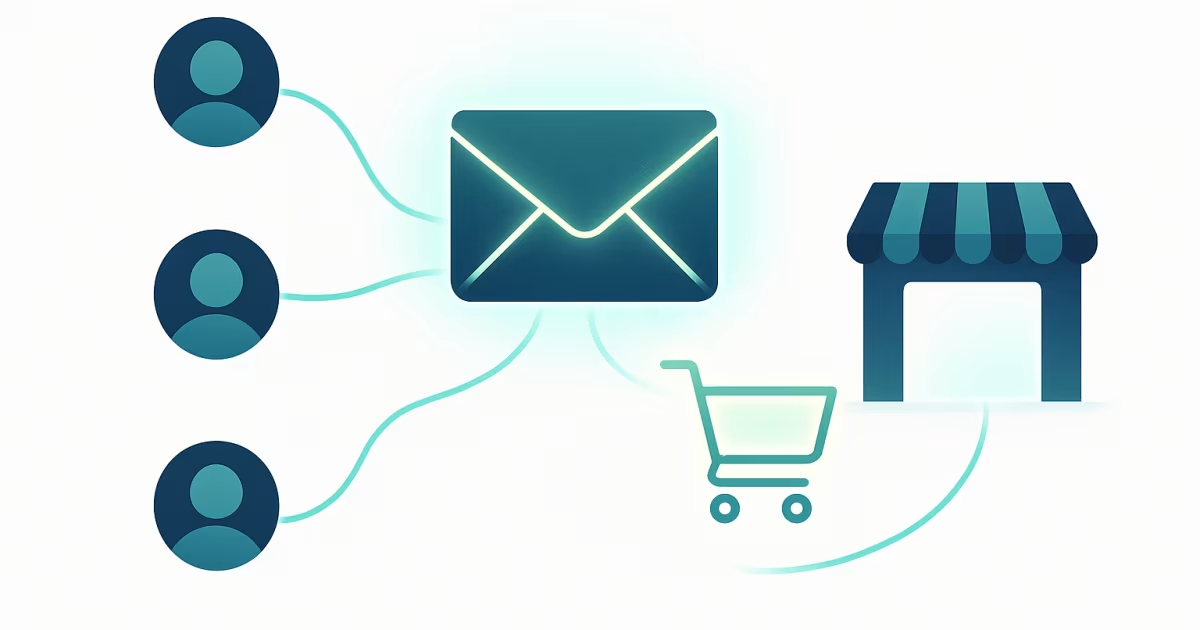
How to invite your first customers to an invitation-only B2B store
How to invite your first customers to a B2B store: add the company by tax ID, send a personal link to the buyer, start with one customer. Steps, pitfalls, FAQ.
Read article
Individual price lists in B2B: per-customer pricing without spreadsheets
Individual price lists in B2B without spreadsheets: price groups, customer group rules, product prices, a clear order of precedence and a customer price view.
Read articleStart selling B2B under your own brand.
Free FreeSpace account: add a product, invite a customer, take your first order. No card, no commitment.
Create a free accountHave a question? Write to us.